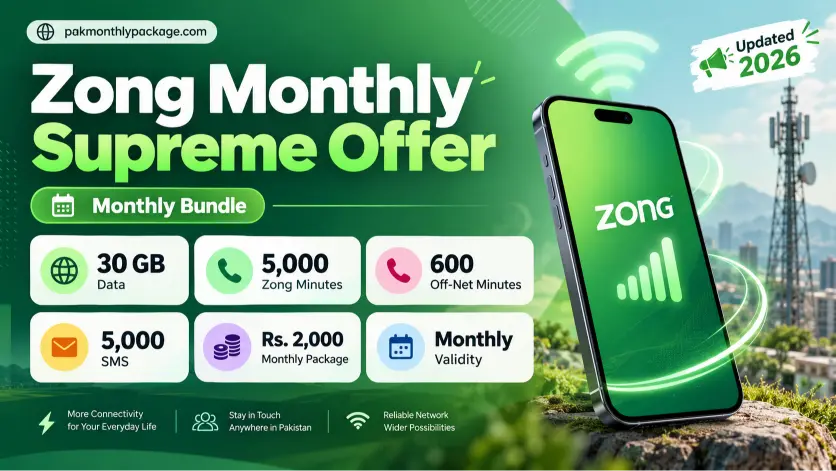
5000
Zong mins and SMS
600
other mins
30 GBs
Flat data
30 Days
Validity
The Zong Monthly Supreme Offer is a monthly bundle for users who need internet, calls, and SMS without subscribing to separate packages. It includes 30 GB of data, 5,000 Zong minutes, 600 off-net minutes, and 5,000 SMS, with a listed consumer price of Rs. 2,000. If you regularly use mobile data and make calls to both Zong and other networks, this bundle brings those resources together in one offer.
Zong Monthly Supreme Offer Details
Package | Mins | SMS | Other Mins | Data | Validity |
|---|---|---|---|---|---|
Zong Monthly Supreme Offer | 5000 | 5000 | 600 | 30 GBs | Validity |
The Zong Monthly Supreme Offer is a good option if you use your phone for a bit of everything throughout the month. Whether you’re browsing the internet, calling friends and family, or sending SMS, you get all these resources in one bundle. You won’t need to subscribe to separate packages for calls and internet, which makes things easier to manage. If you use Zong 5G regularly and also make calls to other networks, this offer may suit your needs. However, it’s worth thinking about your usual usage before subscribing. If you mostly use the internet or make only a few calls, a smaller bundle might be enough for you.
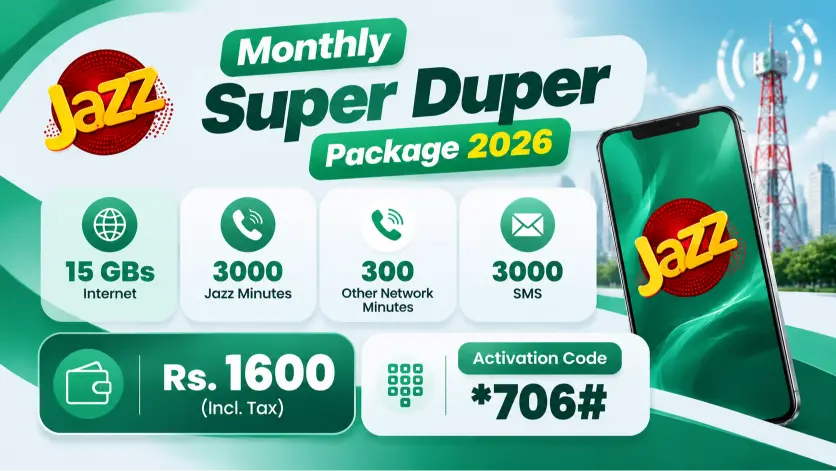
Read more: Jazz Monthly Super Duper Offer
Monthly Supreme Subscription Code
Activating the Monthly Supreme is simple. You can subscribe using a USSD code or SMS, whichever is more convenient for you. If you’re already using a Zong prepaid SIM, you can activate the bundle in just a few steps. Below are the subscription and unsubscription methods so you can manage the offer whenever you need to.
How to Subscribe to the Zong Monthly Premium 30GB?
To activate this Offer, use any of these methods:
Make sure you have enough balance before subscribing so the activation can go through.
How to Unsubscribe from the Zong Monthly Supreme plus?
If you no longer want to use the bundle, you can unsubscribe by following either method:
Check for a confirmation message after submitting your request to make sure your unsubscription has been processed.
How to Check Remaining Resources?
Zong does not provide a dedicated code to check the remaining resources for this package. You can check your remaining MBs, minutes, and SMS through the My Zong App, available on the Google Play Store and Apple App Store.
Follow these steps:
This way, you can keep track of your package usage throughout the month.
Terms and Conditions
Before subscribing, keep these important conditions in mind: