
20 GBs
Flat data (10+10GB)
30 Days
validity
The Telenor Monthly Ultra Package is a good option for prepaid users who need internet throughout the month. It offers 10 GB of regular data and an extra 10 GB for off-peak hours, from 12 AM to 8 AM. The package is valid for 30 days, so you can use it for browsing, social media, watching videos, and other online activities. Before subscribing, check the latest price and activation code to make sure the offer is available on your Telenor SIM.
What is code and Subscription method for Telenor 5G Monthly Ultra?
Package | Data | Code | Price | Validity |
|---|---|---|---|---|
Monthly Ultra | 20 GBs | *335# | Rs. 450 | 30 days |
You can subscribe to the Telenor Ultra monthly Package by using your Telenor SIM. Follow the steps below to check the offer and complete your subscription.
You can also check the My Telenor app to see if this offer is available on your number. Make sure the activation code and price are correct before subscribing.
How to Unsubscribe from Telenor 5G Monthly Ultra Package?
If you no longer need the Monthly Ultra Package, you can check its status through the My Telenor app. The app lets you view your active package details and manage your subscriptions in a few taps.
You can also contact Telenor customer support if you cannot find the unsubscribe option in the app. Check the package’s renewal terms before cancelling, as the available options may vary.
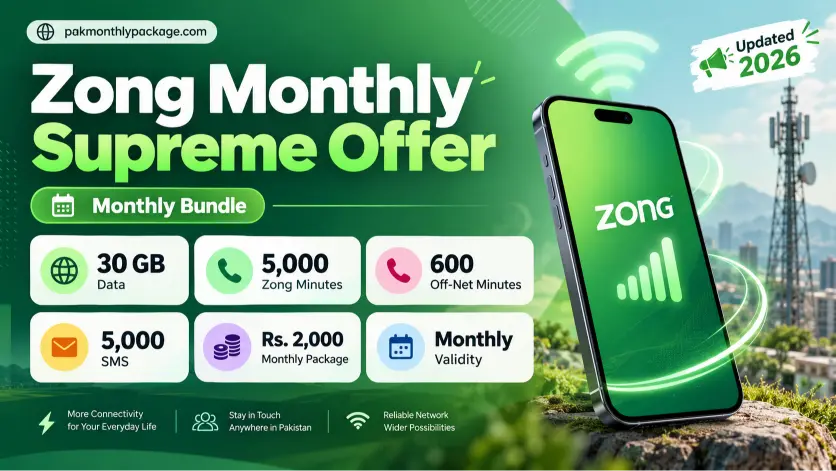
Read more: Zong Monthly Supreme Offer
How to Check Remaining Monthly Ultra MBs
You can check your remaining internet MBs in the My Telenor app without remembering a separate checking code. The app lets you view your active package details, remaining data, and package validity in one place.
Check your remaining data regularly so you can manage your internet usage throughout the month and avoid running out of MBs before the package expires.